- 1 Launch Jsonium. When it is launched for the first time, there is a new file with a single unsaved request.
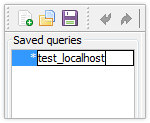
- 2 Rename the request by double-clicking on its’ name on the left.
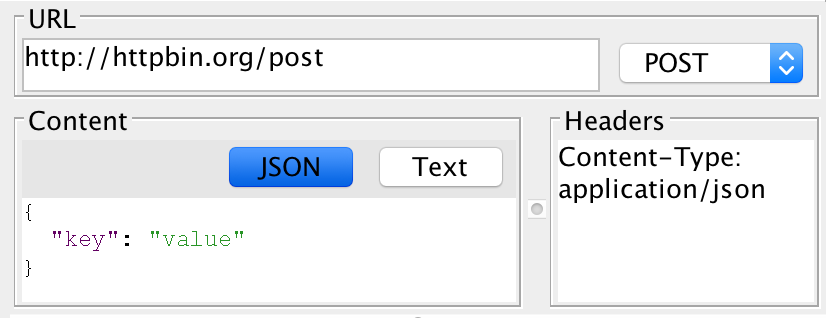
- 3 Fill out the request url, content and headers.
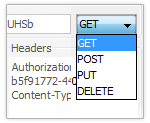
- 4 Select the request type from the list.
- 5 Save the file (File → Save).
- 6 Press run button on the toolbar.

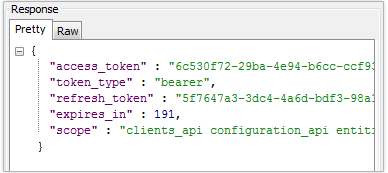
- 7 You will see the request result in the response section. It contains pretty and raw response body representation.